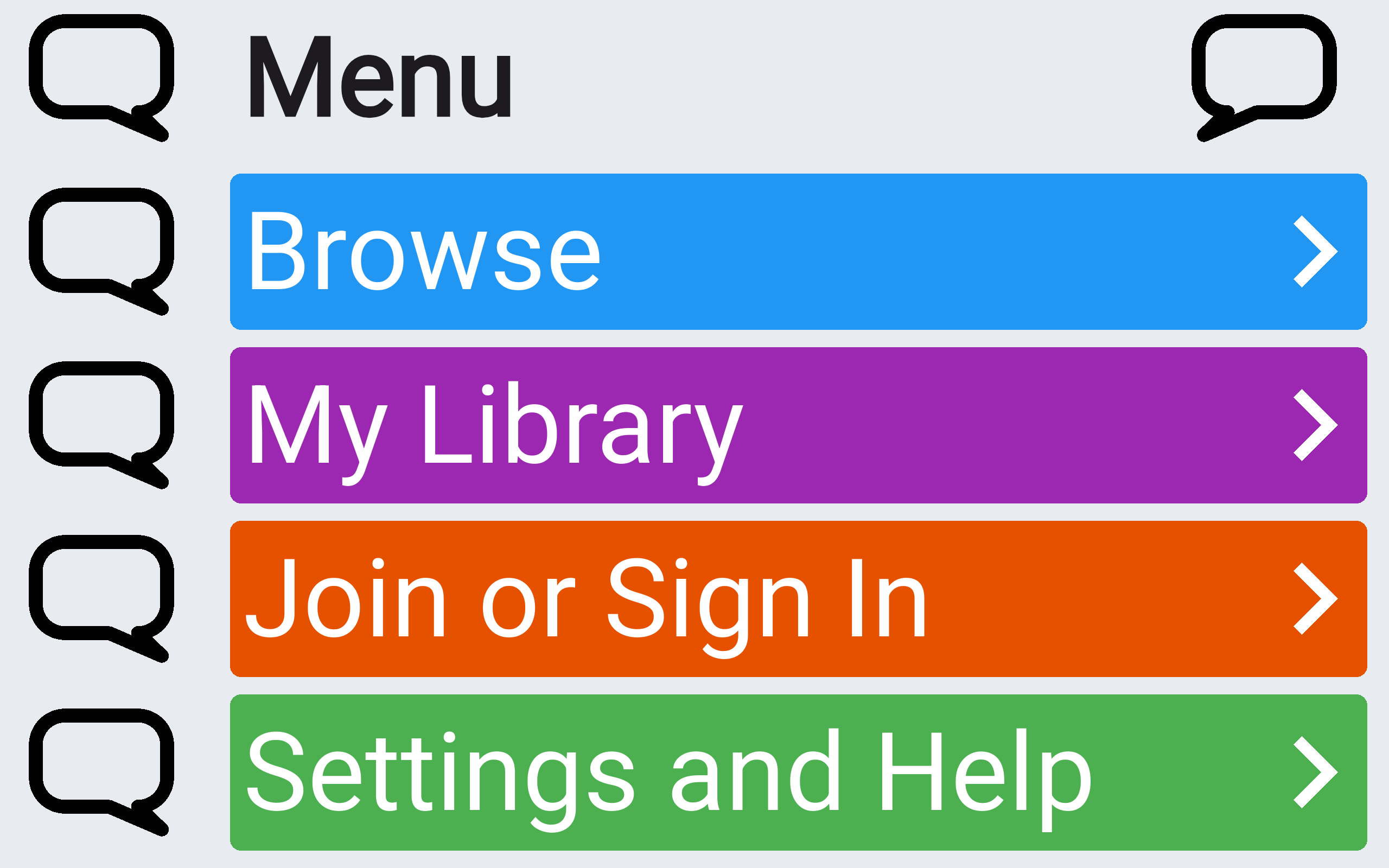
A layout you learn once
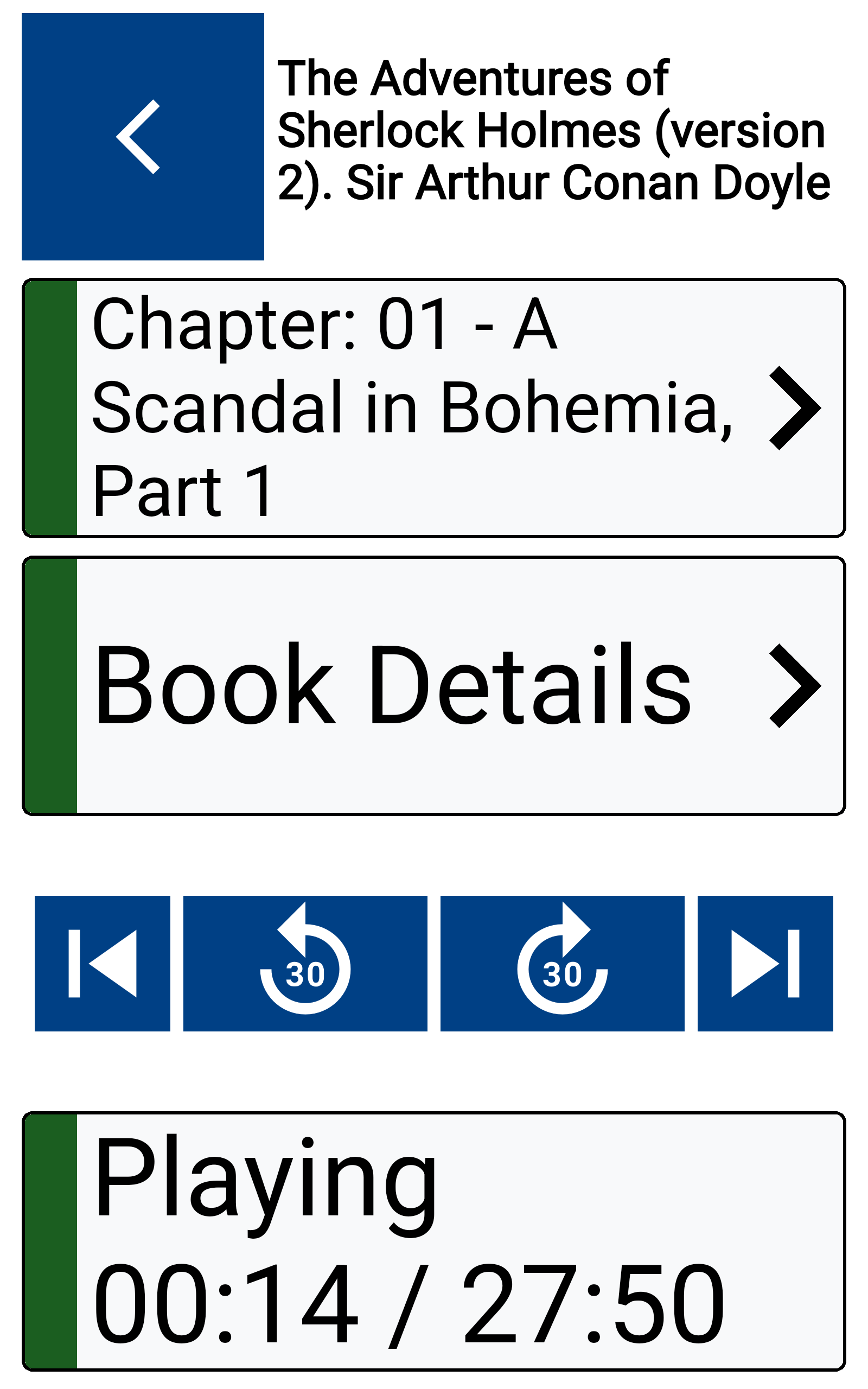
Five clear rows. Same pattern everywhere. Books, menus, and playback all work the same way. Less hunting. More listening.
An accessible audio player for novels, poems, short stories, plays, and more — built for blindness, low vision, dyslexia, ageing eyes, and anyone who finds reading on a screen challenging.
Big controls. Clear feedback. 25,000+ titles. No clutter.
Built with visually impaired users. Full TalkBack and VoiceOver support.
Start your free trialBlind & partially sighted
Screen reader–first design
Dyslexia & reading difficulties
Audio-first, low-friction navigation
Older adults
Bigger controls, less to remember
Five clear rows. Same pattern everywhere. Books, menus, and playback all work the same way. Less hunting. More listening.
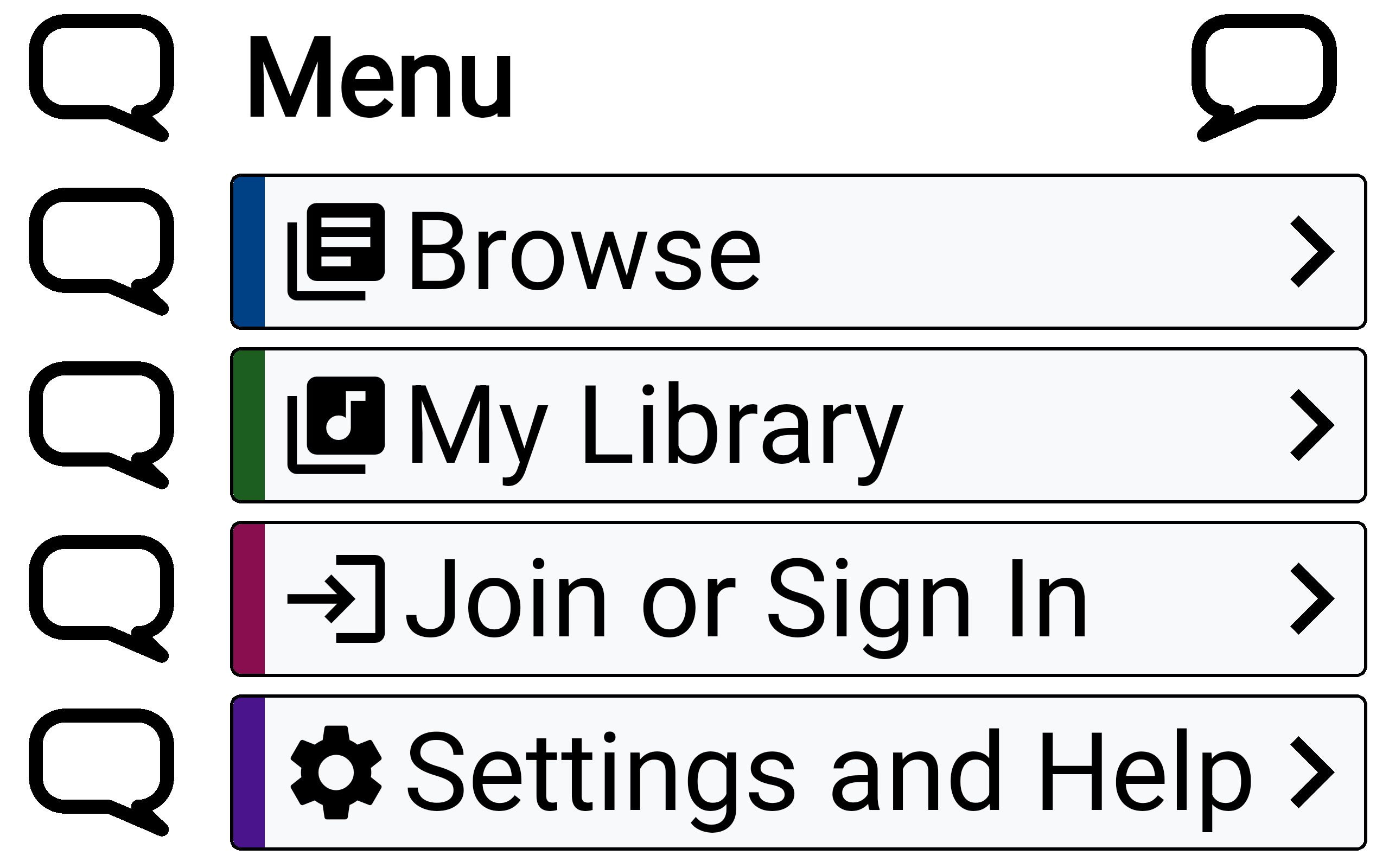
Tap the bubble. Hear what that row does. Handy if you don't use a screen reader — or just want something spelled out aloud. Screen readers are fully supported either way.
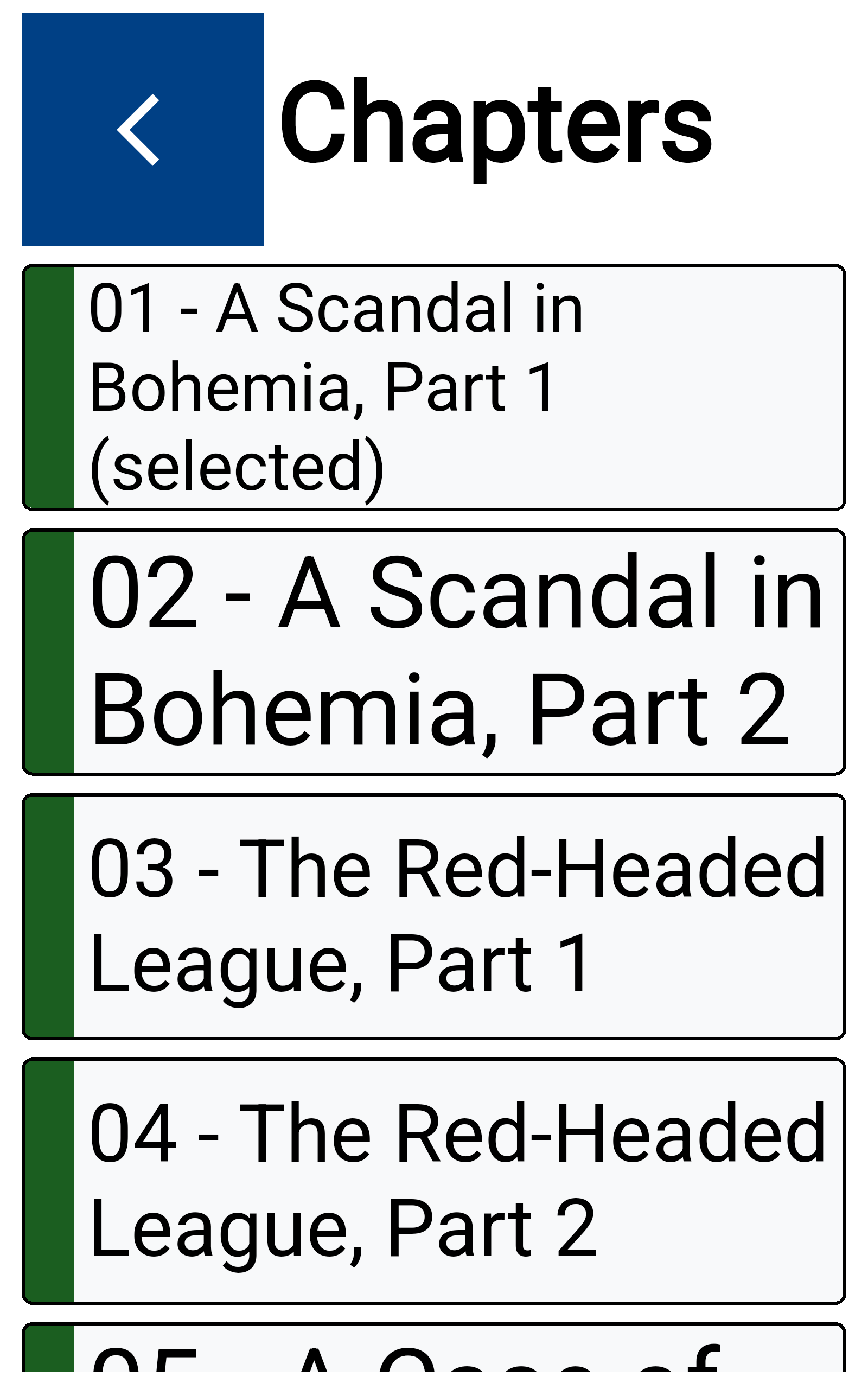
TalkBack and VoiceOver, start to finish. Every screen works with your screen reader — not bolted on after the fact.
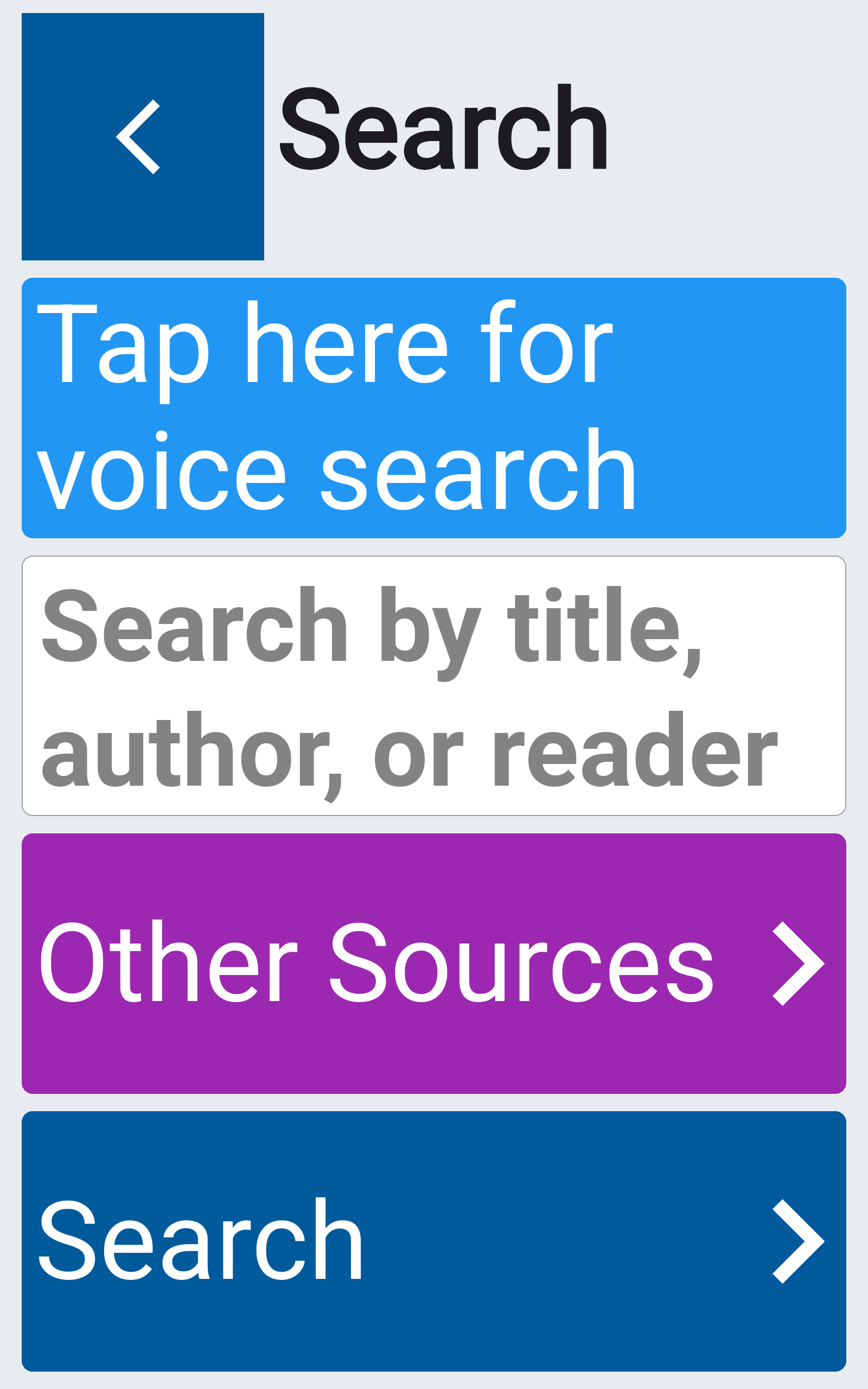
Say what you want. Skip the typing. Find audiobooks, poems, and more by speaking. Get to your next listen faster.
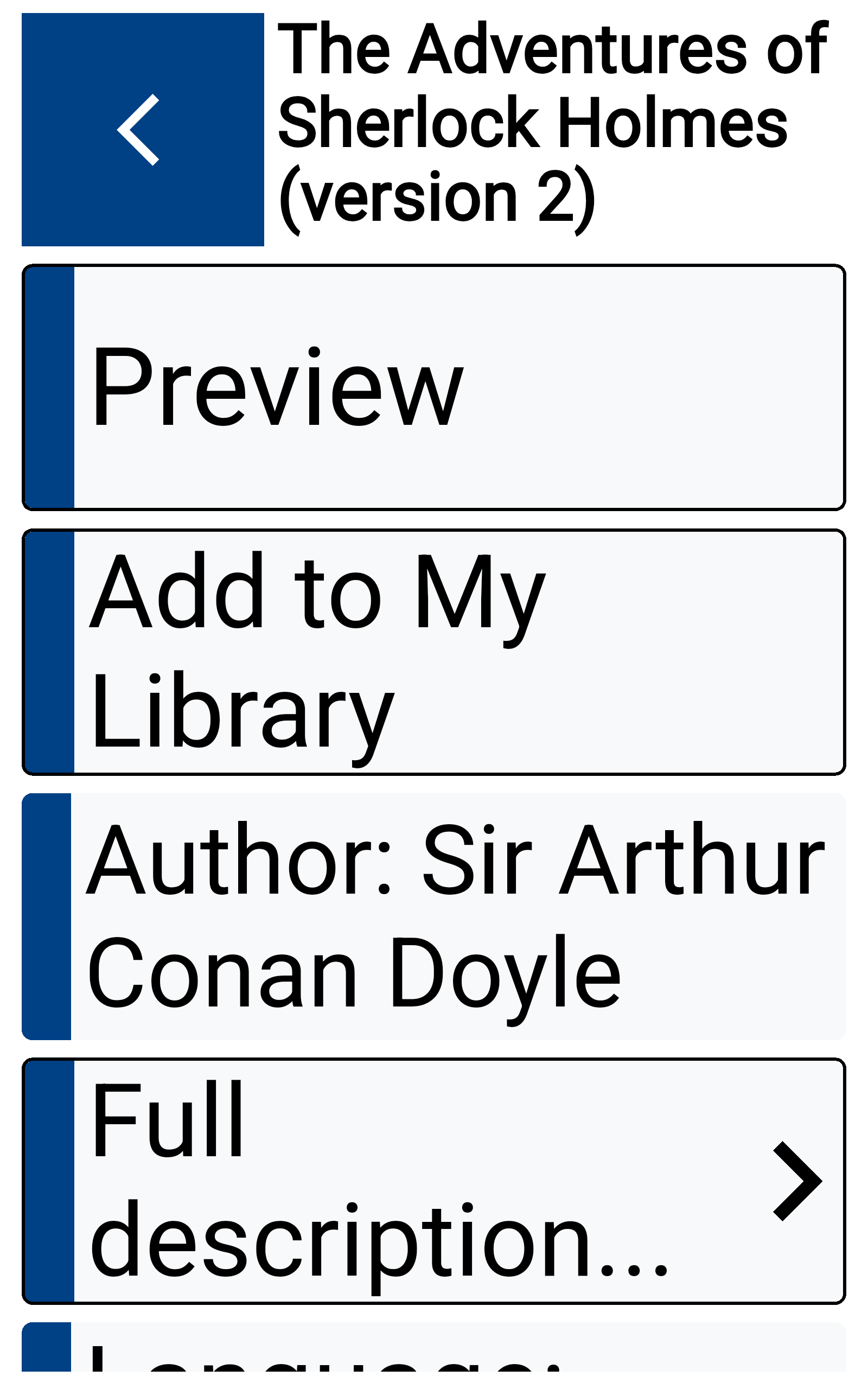
Bigger type — as big as your screen allows. Second Sight respects your phone's text size setting and scales up to the largest size that still fits the five-row layout.
Easier to see. Easier on your eyes. Carefully chosen colours and contrast cut glare and strain — especially when your vision is tired.
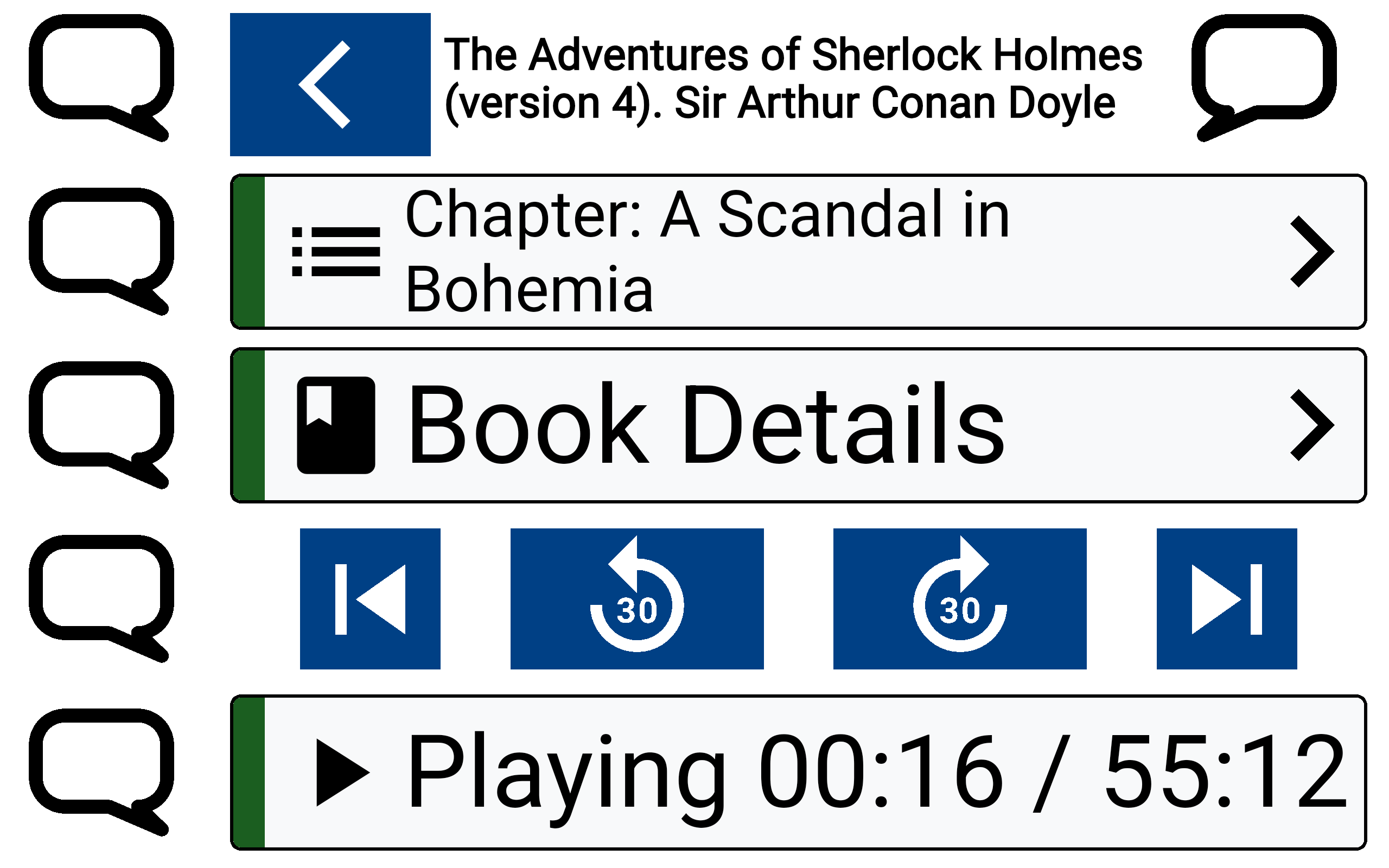
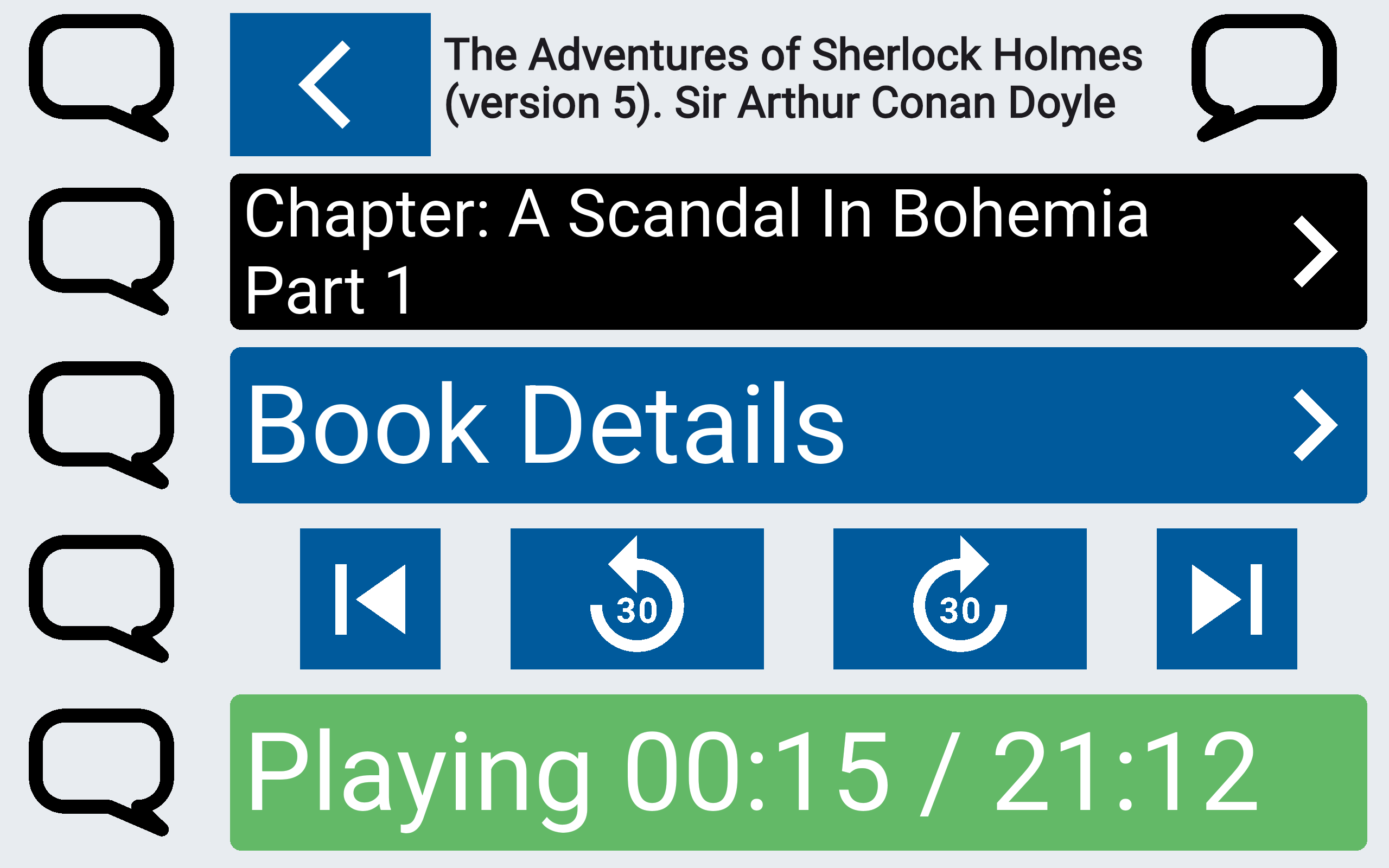
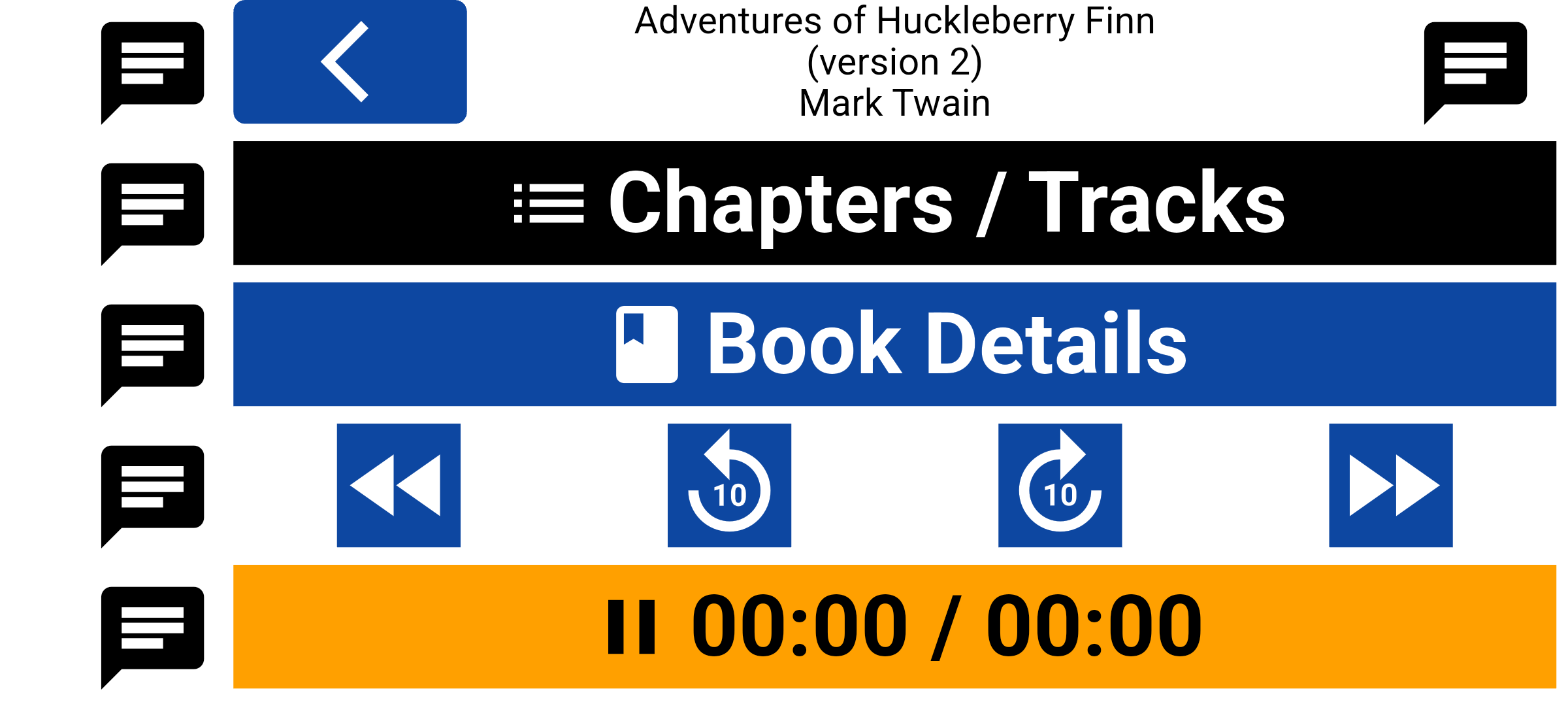
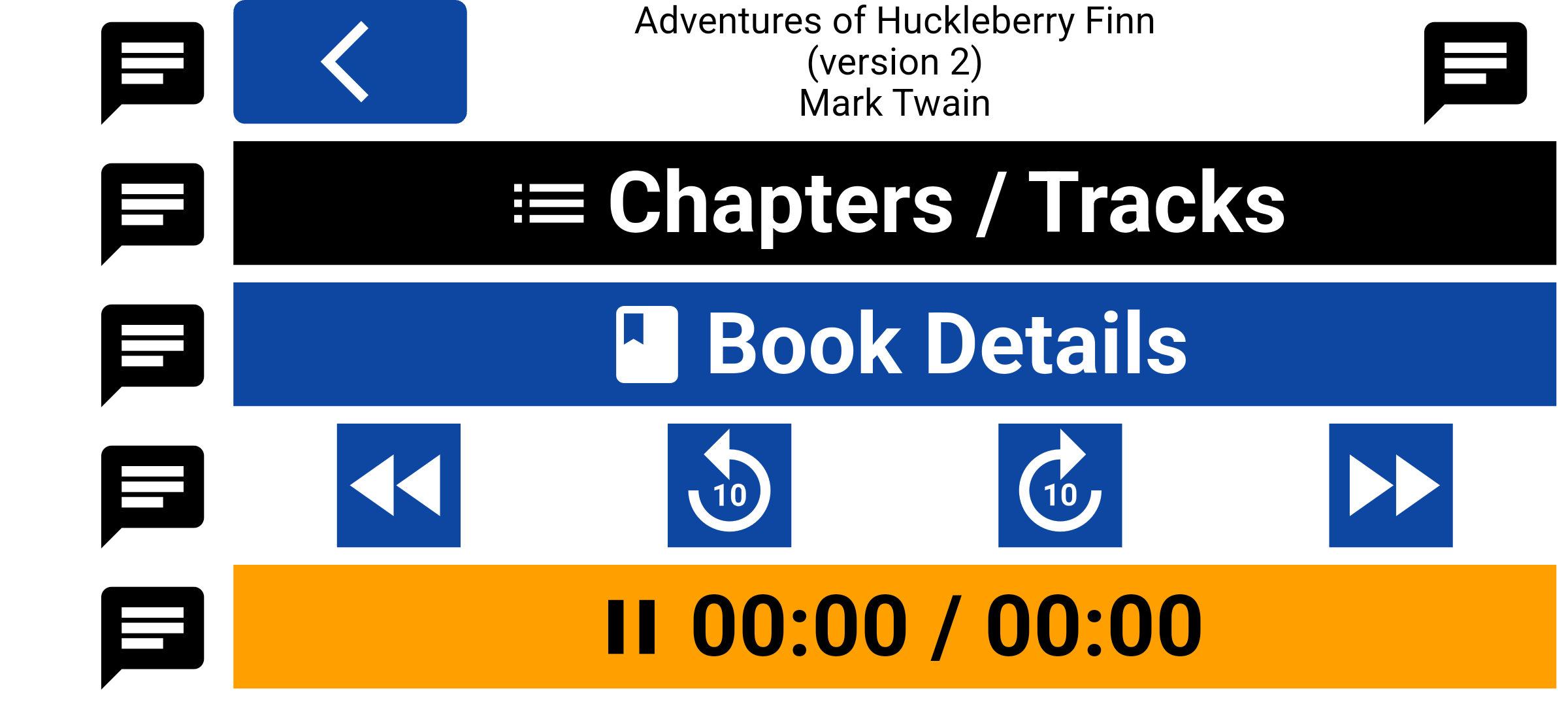
Light, dark, colourful, or monochrome. Pick the look that works for you. Same great player — just the way you want it to look.
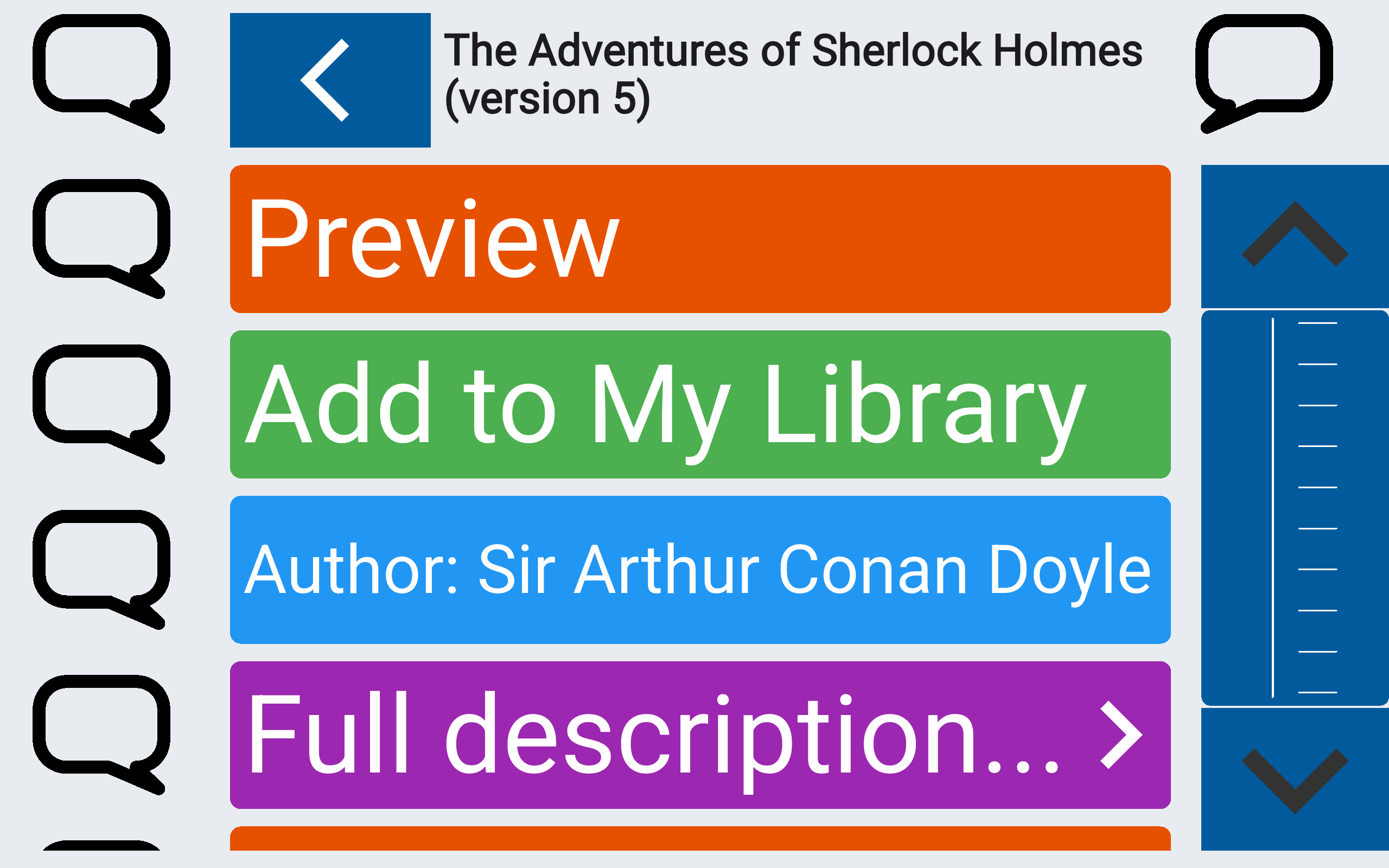
Big buttons. Fewer mis-taps. Generous tap areas make every control easier to hit — on the bus, in bed, or when your hands aren't steady.
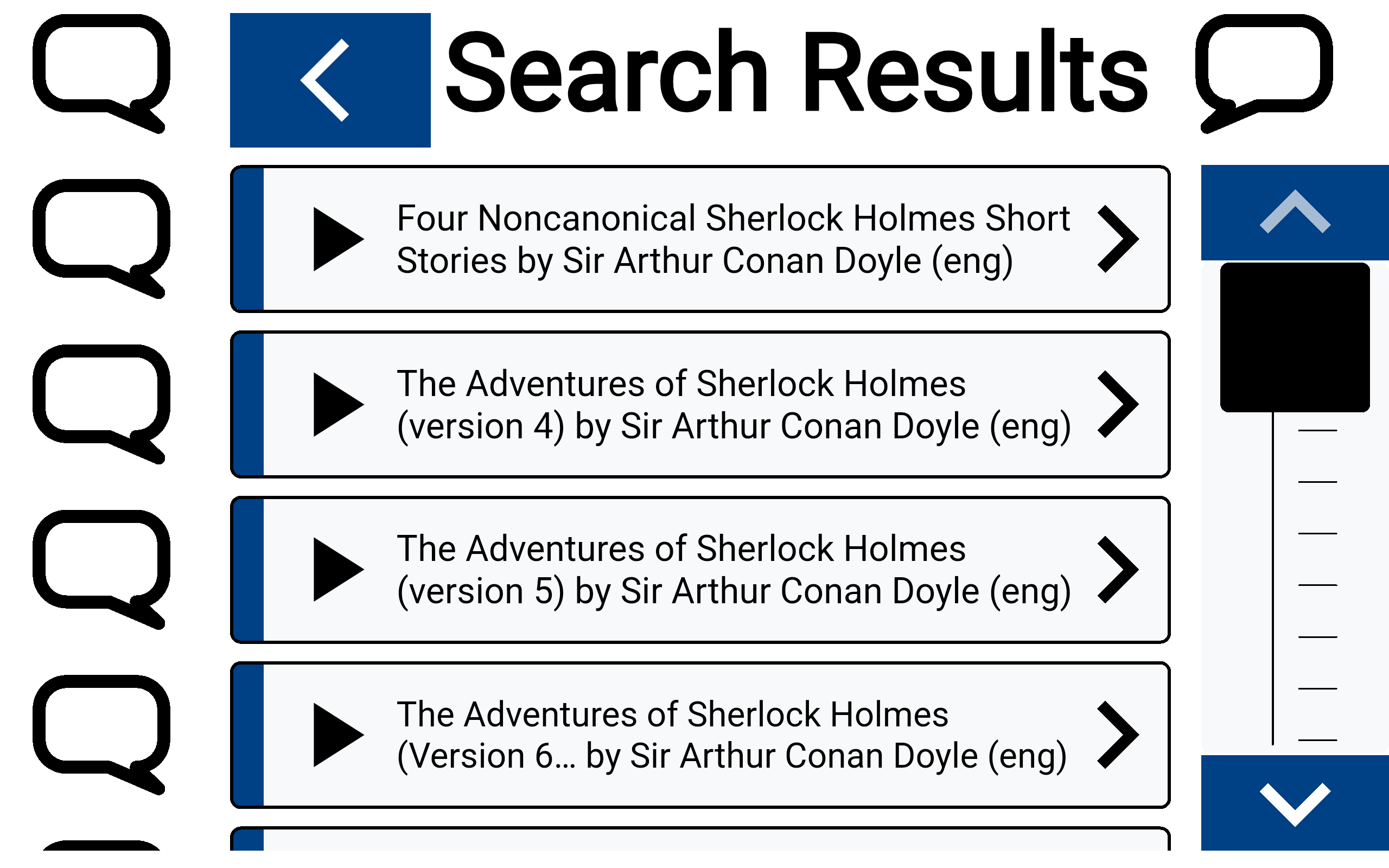
Unintended gestures are discarded. The app detects involuntary movements — such as a tremor or a brief, accidental touch — and ignores them so they do not trigger the wrong action.
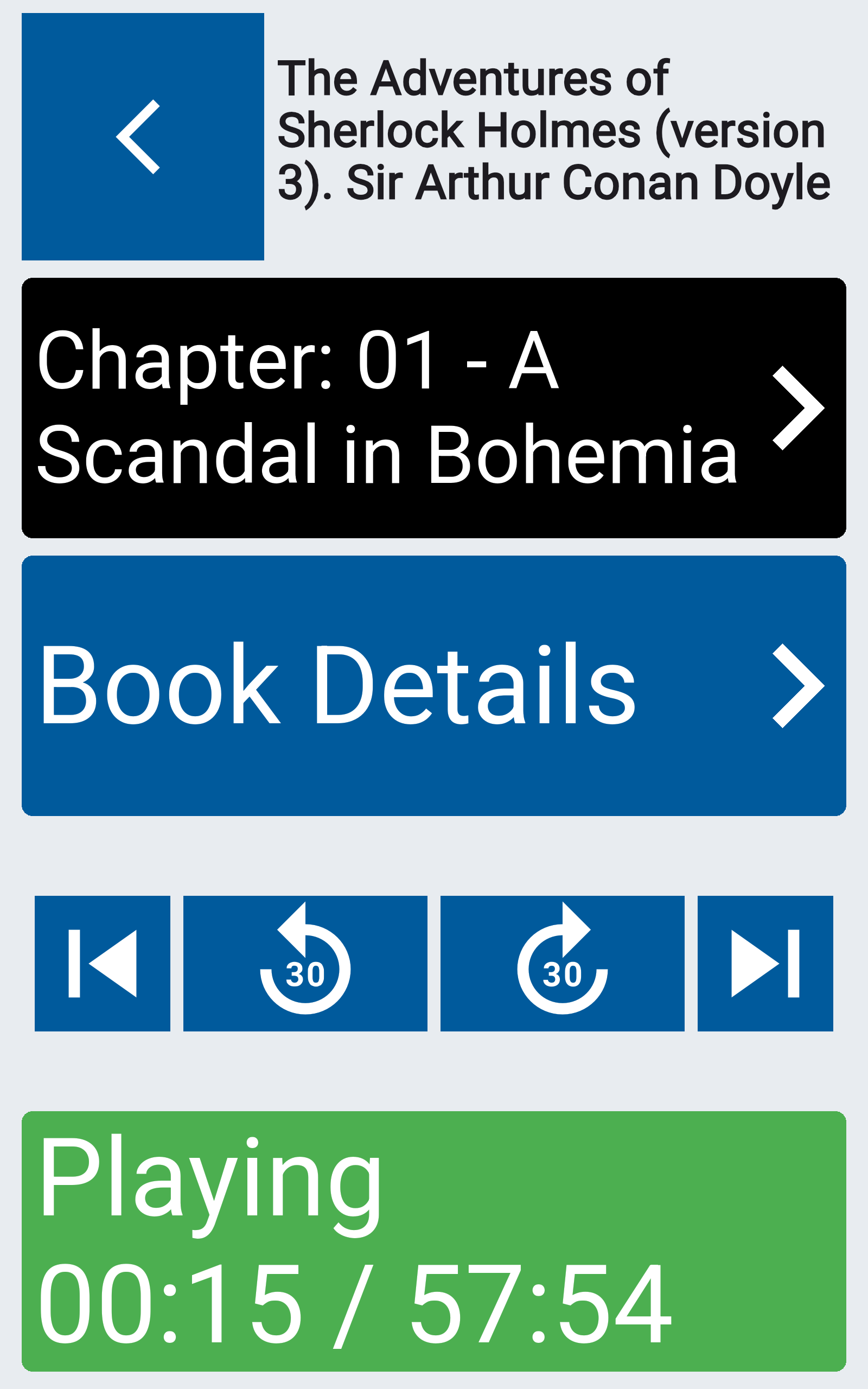
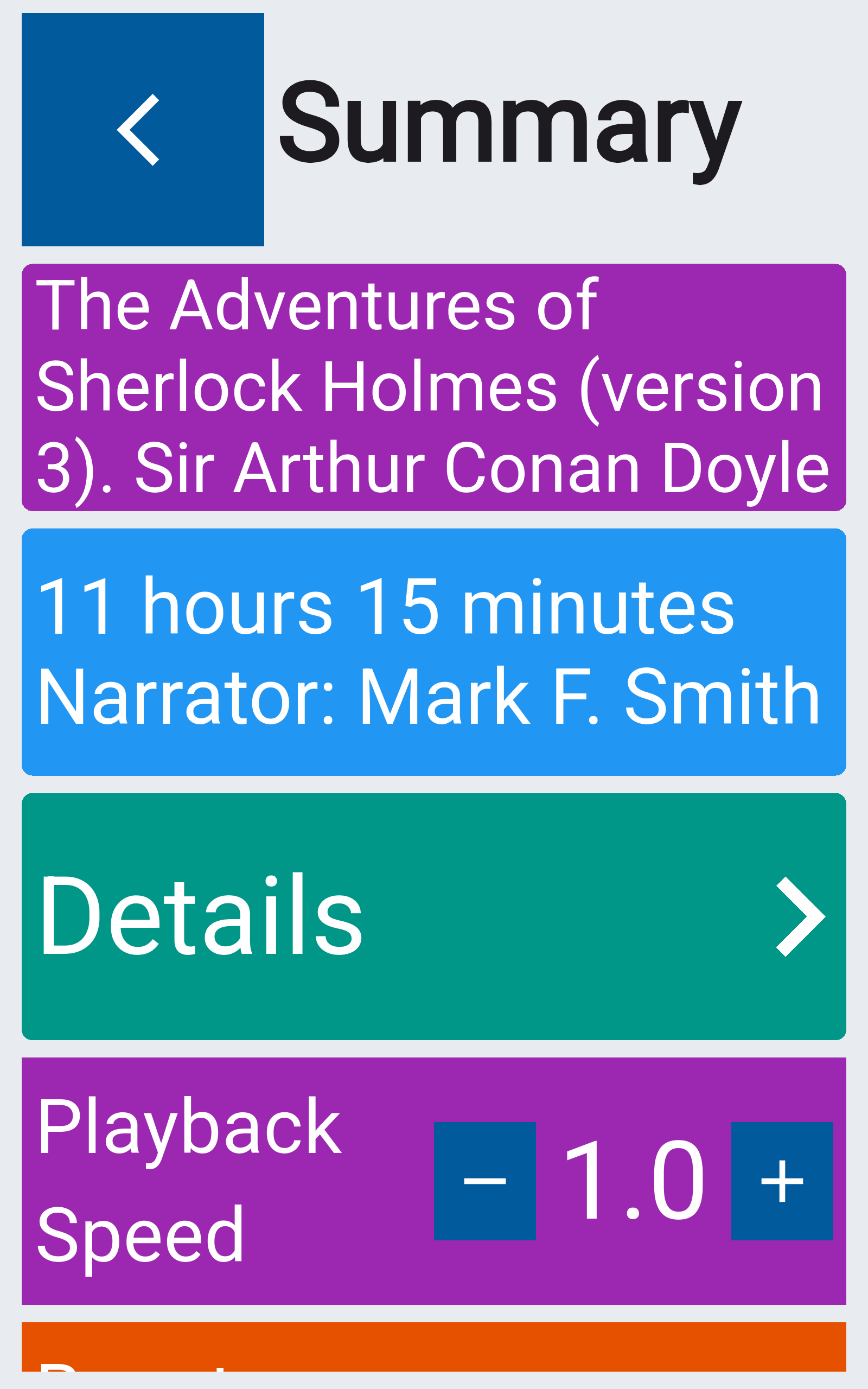
Jump forward or back. Stay in the story. Clear skip buttons and a straightforward slider put you in control — without a maze of menus.
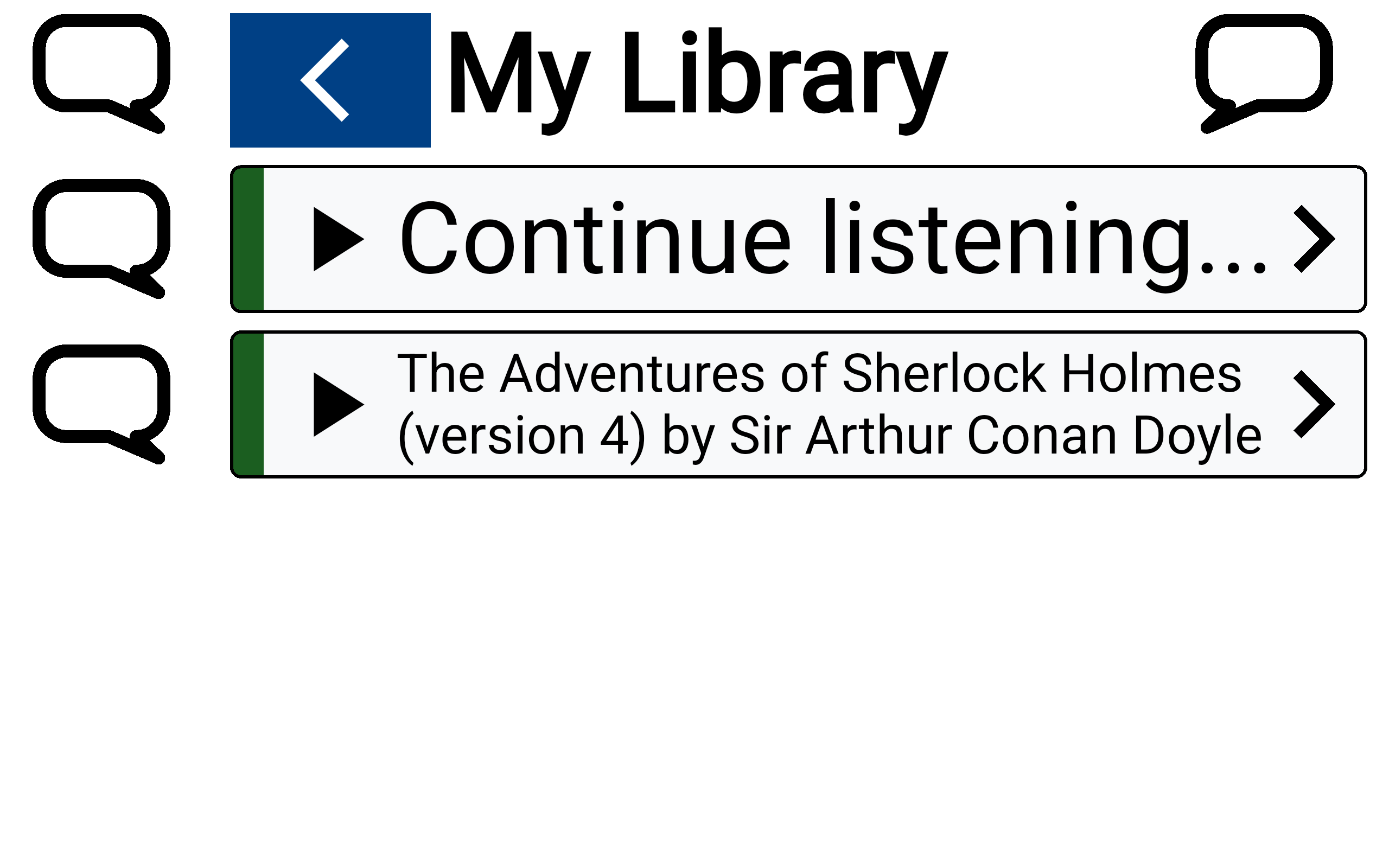
Pick up where you left off. Save books to My Library and jump straight back in with Continue Listening.
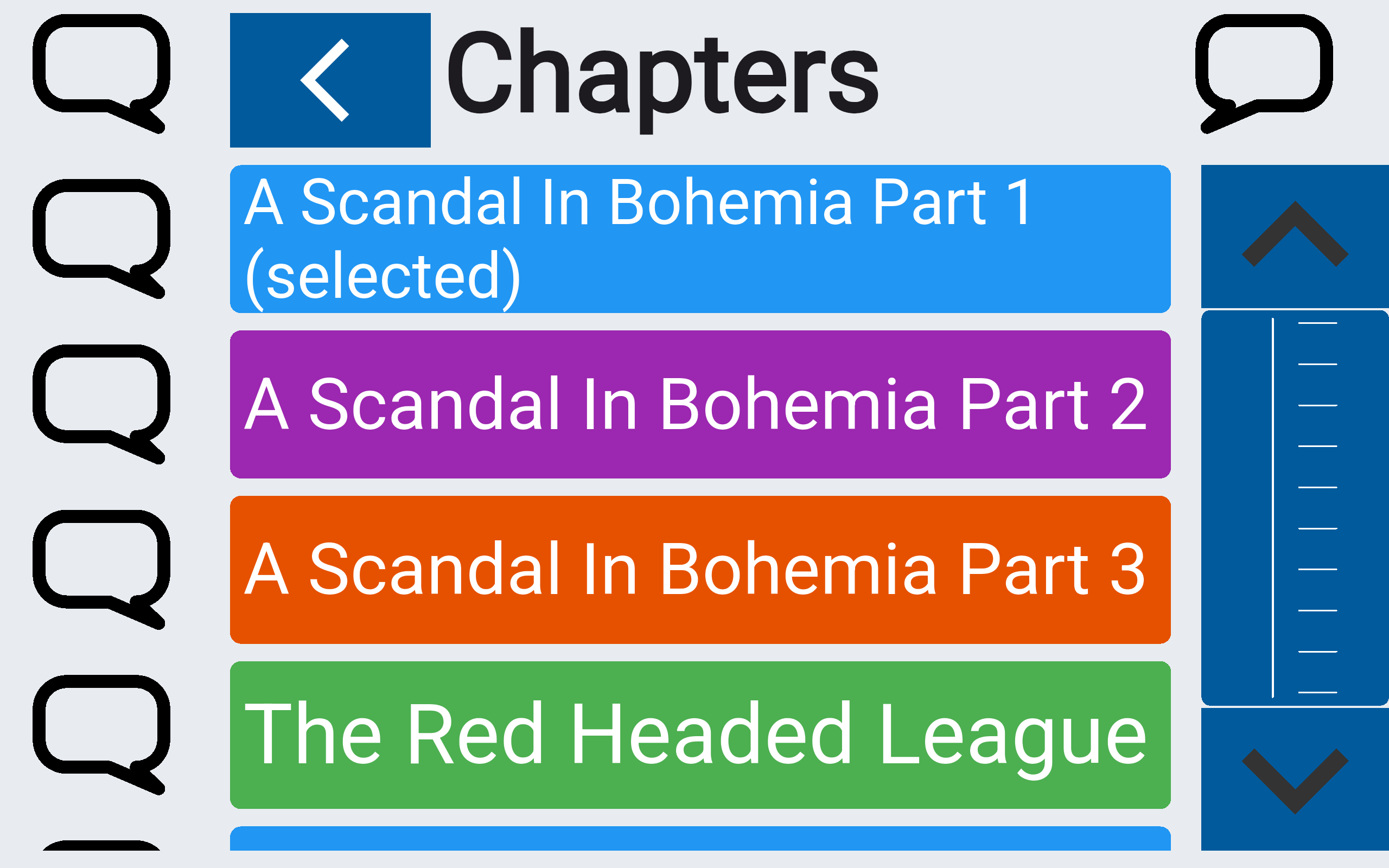
Fewer steps. Less thinking. Straight paths to your books, chapters, and controls. Second Sight is designed to feel calm — not like homework.
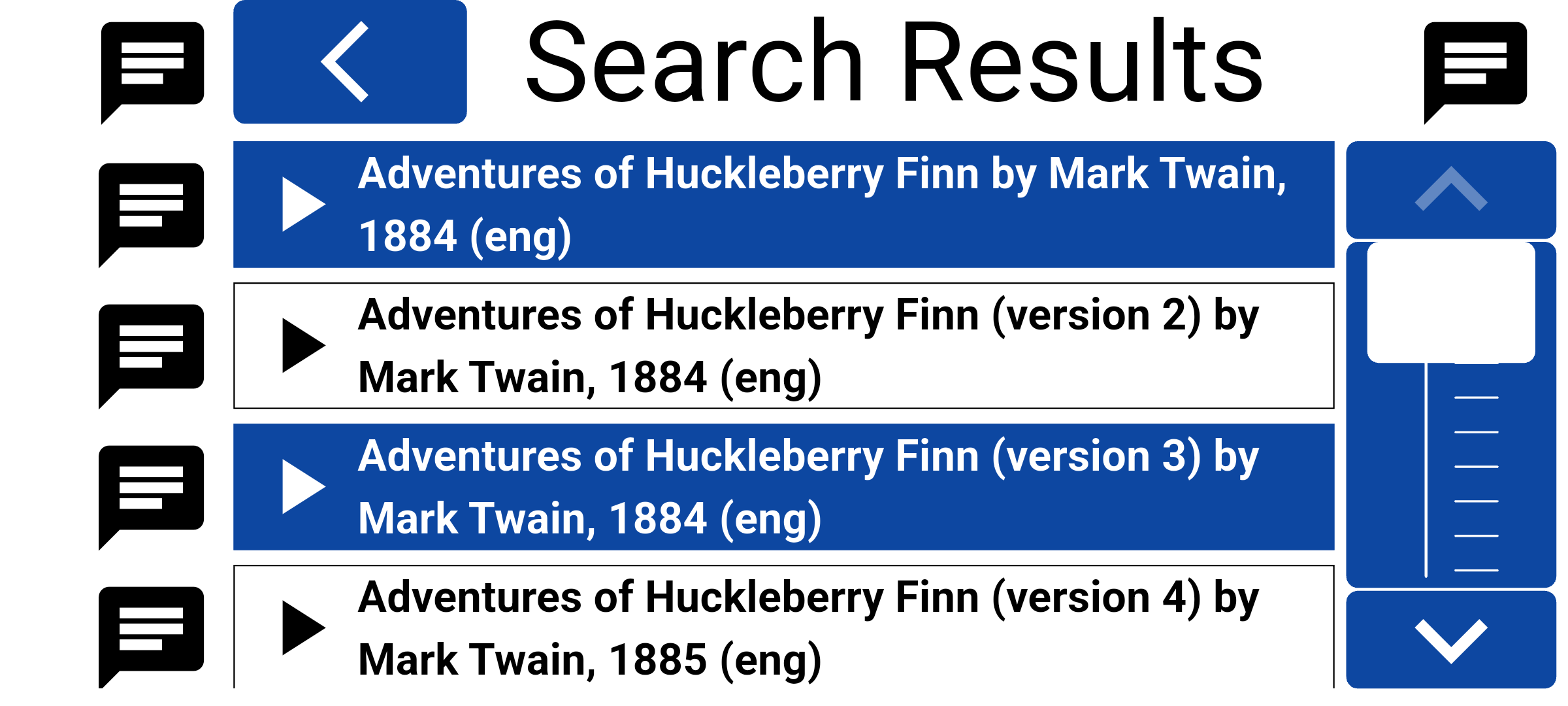
A huge catalogue inside an app that actually gets accessibility. Browse and listen to over 25,000 titles — audiobooks, short stories, poems, plays, and other spoken classics — without switching to a player that treats accessibility as an afterthought. It is also a great way for young children to listen to classics, short stories, poems, and more.
These titles are in the public domain — modern audiobooks are coming soon!
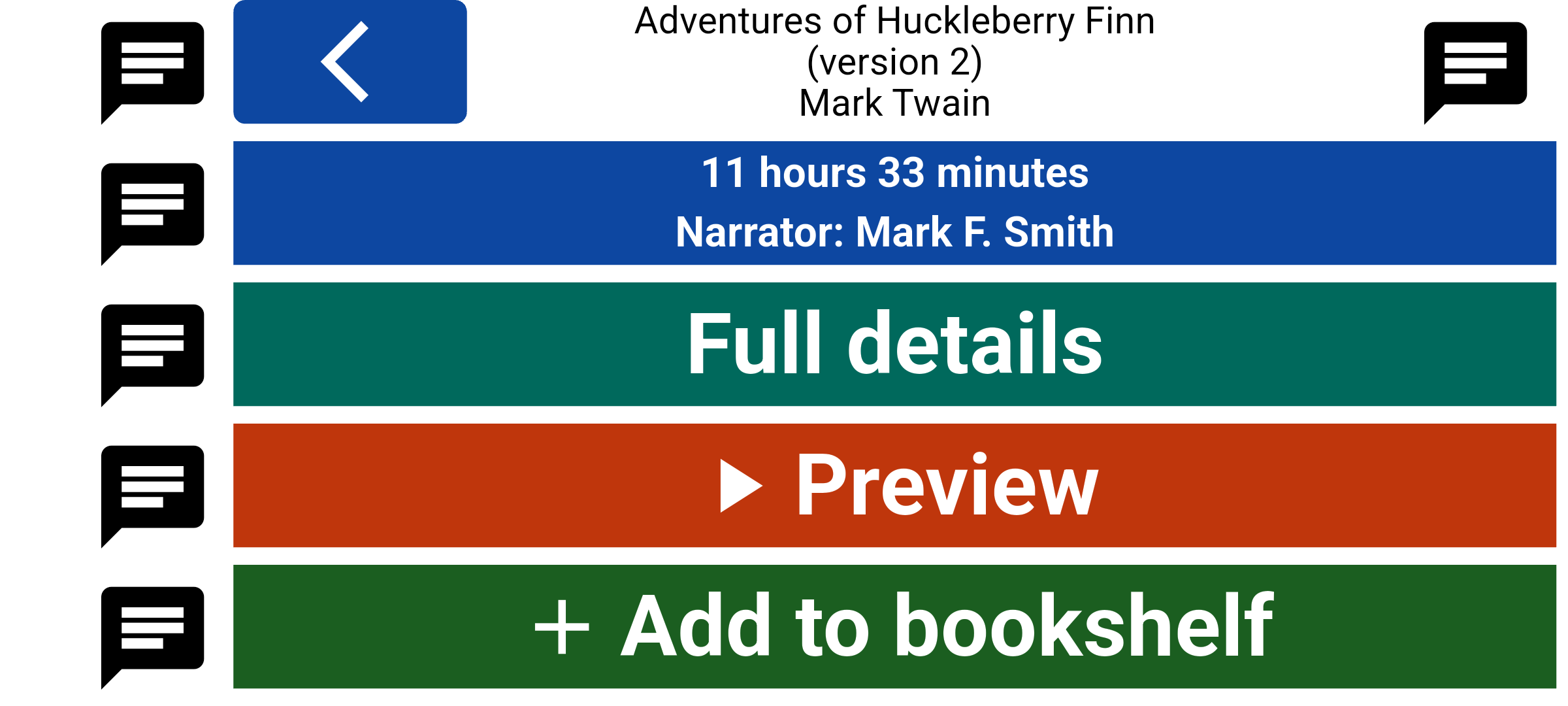
Designed with visually impaired users — not just for them. Real feedback shaped what stayed, what went, and what actually helps day to day.
£5 / $7 a month, or £50 / $70 a year. Every title. No per-title checkout.
Subscribe once and unlock the full catalogue of 25,000+ titles — audiobooks, short stories, poems, plays, and other spoken classics. Start with a 14-day free trial on your phone. After that, a free account includes 20 minutes of listening each day in your time zone, and a subscription removes that limit.
Start your free trialSecond Sight supports TalkBack, VoiceOver, keyboard navigation, and switch access. We test with real users and work toward WCAG 2.1 Level AA.
Read our accessibility statement → Contact us about a barrier →